
Introduction to Yale Locks
Updated for 2026. If you need smart lock and keypad setup in Indianapolis, Chief of Locks is a licensed, insured, mobile locksmith that comes to you across Indianapolis and central Indiana, often within 20 to 30 minutes. Call (317) 671-7873 for fast, upfront-priced help. Here is what you should know. For over 150 years, Yale has been a beacon of innovation and reliability in the world of security. From the creation of the first compact cylinder lock to the modern smart lock, Yale’s journey is one of continuous evolution and commitment to excellence. As we step into the realm of Yale’s smart locks, we’re not just engaging with a device but becoming part of a legacy that has safeguarded homes and businesses across generations. Read our detalid guide on How to change yale lock code.
Understanding Your Yale Lock Model
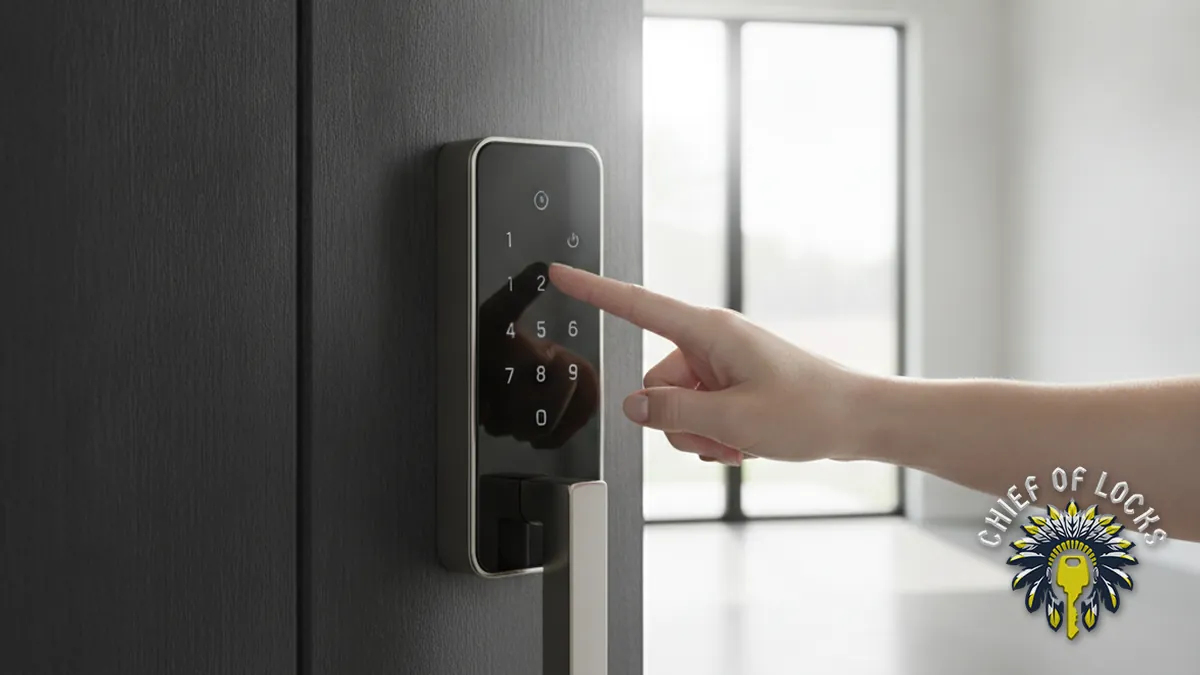
Yale’s range of smart locks is designed to cater to diverse needs and preferences. From the sleek, touchscreen-operated Assure Lock to the robust, key-free Nest x Yale Lock, each model offers unique features and functionalities. Identifying your lock model is the first step in unlocking its full potential. This knowledge will guide you in utilizing specific features, from user code management to smart home integration.
Preparation: Before You Begin Tools and Information You Need
We will guide you to change Yale lock code in a few simple steps, which is an exciting venture into enhancing your home’s security. Before you begin, ensure you have the following:
- User Manual: Your lock’s manual is a treasure trove of information, providing specific instructions tailored to your model.
- Smartphone: For smart lock models, your phone acts as a bridge to the Yale app, offering a user-friendly interface for code management.
- Patience and Precision: Approach the process with a calm mindset and attention to detail to ensure a smooth experience.
Identifying Your Lock Model
Your Yale lock’s model number is akin to its identity, revealing its capabilities and features. This number can typically be found on the lock itself, its packaging, or within the user manual. Familiarize yourself with this identifier to streamline the code-changing process and to troubleshoot any potential issues effectively.
The Step-by-Step Guide Accessing the Programming Mode
The programming mode is your lock’s “control center,” allowing you to customize settings and manage codes. Accessing this mode usually involves entering your master code or performing a specific sequence of actions detailed in your user manual. This mode is the gateway to personalizing your lock’s functionality to suit your needs.
Setting or Changing Your Master Code
The master code is the cornerstone of your lock’s security, providing access to programming and customization features. Here’s how to set or change it:
- Enter Programming Mode: Use your current master code or follow the reset instructions to access programming settings.
- Select Master Code Option: Navigate through the menu to find the master code setting.
- Enter New Master Code: Choose a code that’s secure yet memorable. Avoid obvious sequences or numbers related to personal information.
- Confirm the Code: Re-enter the new code to confirm. Some models may require you to press a specific button to finalize the change.
Adding or Changing User Entry Codes
User codes offer controlled access to your home, ideal for family members or temporary guests. To add or change a user code:
- Access User Entry Code Settings: Within the programming mode, locate the option to add or edit user codes.
- Select a Code Slot: Choose an empty slot for a new code or select an existing code to modify.
- Input the New Code: Enter the desired 4-8 digit code.
- Confirm the Code: Re-enter the code or follow your model’s specific confirmation procedure.
Advanced Features and Tips Temporary Personal Entry Code for Guests
Temporary codes are a convenient feature for granting time-limited access without compromising your main code. Set these codes for service personnel, guests, or rental visitors, specifying start and end dates through your lock’s programming menu or app.
Smart Home Integration
Integrating your Yale lock with a smart home system elevates your home’s intelligence, offering remote control and automation. Connect your lock with platforms like Apple HomeKit, Google Assistant, or Amazon Alexa to enjoy features like voice commands, remote access, and custom routines that enhance your daily life.
Troubleshooting Common Issues Battery Replacement and Maintenance
A Yale lock’s functionality heavily relies on its power source. Regularly check and replace batteries to prevent unexpected lockouts. Most Yale locks signal low battery through a warning light or notification on the app, ensuring you’re never caught off guard.
Resetting Your Yale Lock
A factory reset can resolve many common issues by restoring your lock to its original settings. This process typically involves removing the battery cover, pressing the reset button, and following specific steps outlined in your manual. Remember, a reset will erase all user codes and settings, so use this option judiciously.
Maintaining Your Lock’s Integrity Regular Updates and Security Practices
Keeping your Yale lock updated ensures optimal performance and security. Regular firmware updates introduce new features and patch vulnerabilities. Complement technical updates with robust security practices, like regularly changing codes and using complex, unpredictable code sequences.
When to Seek Professional Help
While many issues can be resolved through troubleshooting, some situations require professional intervention. If your lock is unresponsive, shows signs of physical damage, or experiences persistent technical issues, contacting Yale support or a certified locksmith is the best course of action.
Conclusion: Embracing Your Home’s Security
Changing your Yale lock code is more than a mere task; it’s an investment in your home’s security and your peace of mind. This ” How to change Yale lock code” guide not only walks you through the technical steps but also invites you to become an active participant in safeguarding your sanctuary. With your Yale lock, you’re not just securing a door; you’re fortifying a legacy of trust, innovation, and peace of mind that has stood the test of time. You can find a licensed, vetted locksmith through the trade group ALOA.
Need Smart Lock And Keypad Setup in Indianapolis? Call Chief of Locks
Chief of Locks is a licensed, insured, mobile locksmith serving Indianapolis and central Indiana. To install or reset a smart lock with clear, upfront pricing and no hidden fees, call (317) 671-7873 or visit our smart lock and keypad setup page. A real person answers, day or night.